
 DEMOGOD
The Latency Problem That Killed Voice AI
For years, voice AI felt broken. You'd speak, wait two or three seconds, then finally hear a robotic response. By then, the conversation's natural flow was destroyed. Users gave up and went back to typing.
The culprit wasn't the AI—it was the infrastructure. Traditional voice systems routed audio through phone networks, transcription services, AI processors, and speech synthesizers, each adding hundreds of milliseconds of delay.
WebRTC changed everything.
This browser-native technology enables sub-second voice communication directly between users and AI systems—no phone calls, no plugins, no perceptible delay. The result is voice AI that finally feels like talking to a real person.
What is WebRTC?
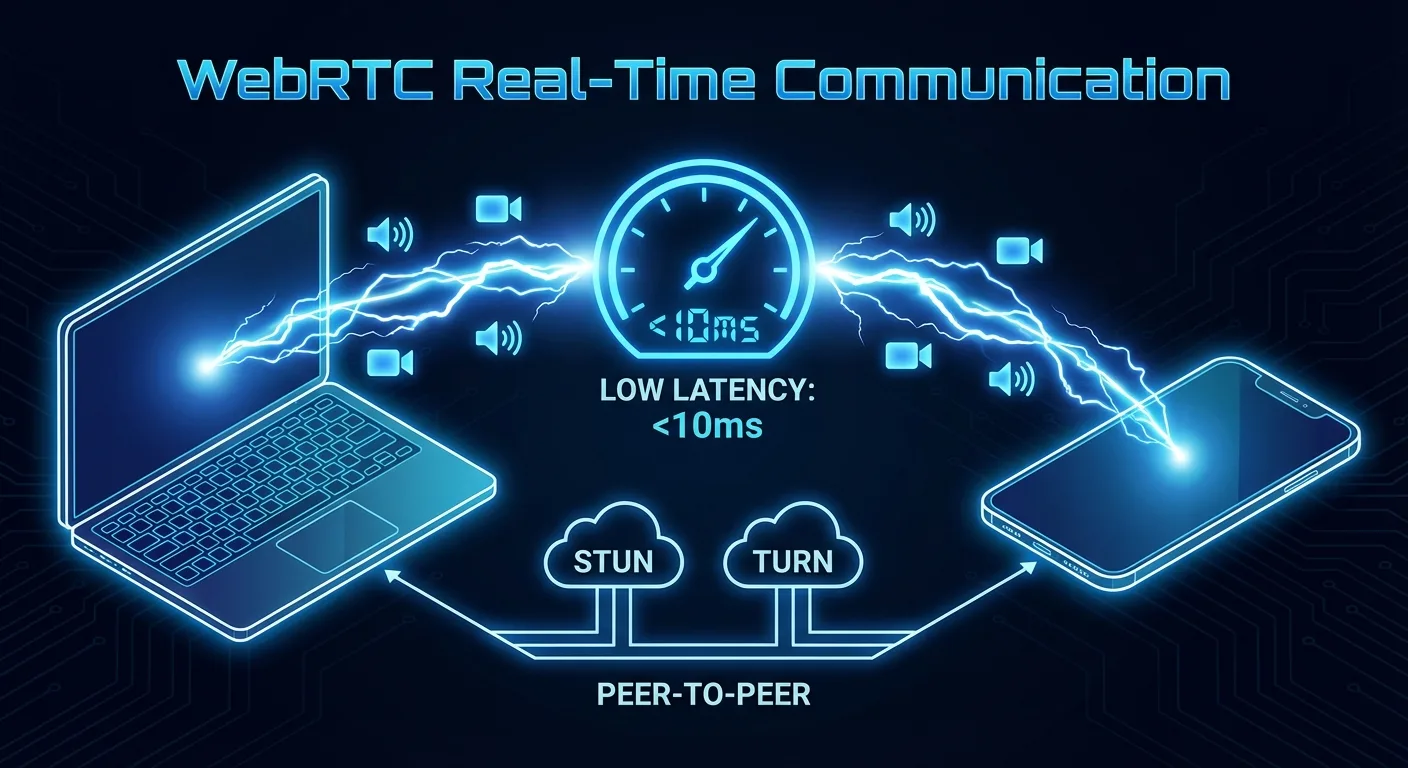
Web Real-Time Communication (WebRTC) is an open-source project that enables peer-to-peer audio, video, and data communication directly in web browsers. Originally developed by Google and standardized by the W3C, it powers everything from video calls to online gaming.
Key capabilities:
- Browser-native—no downloads, plugins, or phone numbers required
- Peer-to-peer—direct connections minimize routing delays
- Low latency—optimized for real-time interaction
- Secure—mandatory encryption for all communications
- Adaptive—automatically adjusts quality based on network conditions
Why WebRTC Matters for Voice AI
Traditional voice AI architectures suffer from cumulative latency:
Old Architecture (1-3 second delay)
- User speaks into microphone
- Audio captured and compressed
- Sent to transcription service (200-500ms)
- Text sent to AI model (100-300ms)
- Response generated (200-500ms)
- Text sent to speech synthesis (200-400ms)
- Audio streamed back to user (200-500ms)
Total: 1-3 seconds of awkward silence.
WebRTC Architecture (sub-second)
- User speaks—audio streams instantly via WebRTC
- Server processes speech-to-text in real-time
- AI generates response while still receiving audio
- Speech synthesis streams back immediately
- User hears response with minimal delay
Total: 200-500ms—feels instantaneous.
Technical Deep Dive: How It Works
1. Connection Establishment
WebRTC uses a signaling process to establish connections:
- ICE (Interactive Connectivity Establishment)—finds the best path between client and server
- STUN/TURN servers—help traverse firewalls and NATs
- SDP (Session Description Protocol)—negotiates media capabilities
Once connected, audio flows directly with minimal overhead.
2. Audio Capture and Streaming
The browser's MediaStream API captures microphone input:
- Opus codec—optimized for voice, excellent quality at low bitrates
- Adaptive bitrate—adjusts to network conditions automatically
- Echo cancellation—prevents feedback loops
- Noise suppression—filters background sounds
3. Real-Time Processing Pipeline
On the server side, audio is processed as it arrives:
- Streaming transcription—words appear as they're spoken
- Intent detection—AI begins understanding before sentence ends
- Response generation—starts while user is still finishing
- Streaming synthesis—voice output begins immediately
This parallelization is key to achieving sub-second response times.
4. Bidirectional Streaming
Unlike request-response models, WebRTC enables true bidirectional communication:
- User can interrupt the AI mid-response
- AI can detect hesitation and offer assistance
- Natural turn-taking emerges organically
- Conversation feels genuinely interactive
Implementation Patterns
Client-Side Setup
A basic WebRTC voice client requires:
- MediaStream access—request microphone permission
- RTCPeerConnection—manage the WebRTC connection
- Audio processing—optional local enhancements
- UI feedback—visual indicators of connection and speaking status
Server-Side Architecture
The voice AI server typically includes:
- WebRTC endpoint—handles connection and media
- Speech-to-text service—real-time transcription
- AI orchestrator—manages conversation flow and model calls
- Text-to-speech service—streaming voice synthesis
- State management—maintains conversation context
Scaling Considerations
Production deployments must address:
- Geographic distribution—servers close to users reduce latency
- Load balancing—distribute connections across instances
- Failover—seamless handoff if servers fail
- Resource management—audio processing is CPU-intensive
Frameworks and Tools
Several frameworks simplify WebRTC voice AI development:
Pipecat
An open-source framework specifically designed for voice AI pipelines:
- Modular architecture for speech processing
- Built-in support for major AI providers
- Handles WebRTC complexity automatically
- Production-ready with scaling support
LiveKit
A WebRTC infrastructure platform:
- Managed WebRTC servers globally
- SDKs for all major platforms
- Recording and analytics built-in
- AI integration capabilities
Daily.co
Another WebRTC platform with AI focus:
- Simple API for voice and video
- AI assistant integrations
- Enterprise-grade reliability
- Compliance certifications
Real-World Performance
What does WebRTC-powered voice AI actually achieve?
Latency Benchmarks
- Audio capture to server: 20-50ms
- Transcription (streaming): 100-200ms
- AI response generation: 100-300ms
- Speech synthesis start: 50-100ms
- Total perceived latency: 300-600ms
For comparison, human conversational response time is typically 200-500ms. WebRTC voice AI approaches human-level responsiveness.
Quality Metrics
- Speech recognition accuracy: 95%+ in good conditions
- Successful connection rate: 99%+ with proper TURN fallback
- Audio quality (MOS score): 4.0+ out of 5
Common Challenges and Solutions
Network Variability
Problem: Users have varying connection quality.
Solution: Adaptive bitrate encoding, jitter buffers, and graceful degradation. WebRTC handles most of this automatically.
Browser Compatibility
Problem: Older browsers may lack full WebRTC support.
Solution: Feature detection and fallback to WebSocket-based audio streaming when needed.
Mobile Considerations
Problem: Mobile browsers have different audio handling.
Solution: Touch-to-talk interfaces, careful handling of audio focus, and battery-conscious processing.
Echo and Feedback
Problem: AI voice output gets picked up by microphone.
Solution: Acoustic echo cancellation (built into WebRTC) plus server-side audio ducking.
The Business Impact
WebRTC-powered voice AI delivers measurable results:
- User engagement: 3-5x longer sessions compared to text chat
- Task completion: 40% faster than traditional interfaces
- User satisfaction: Significantly higher NPS scores
- Accessibility: Opens products to users who struggle with typing
Getting Started
Implementing WebRTC voice AI doesn't require building from scratch. Platforms like Demogod provide the complete infrastructure:
- Add the SDK—single script tag integration
- Configure your AI—customize personality and knowledge
- Launch—WebRTC, speech processing, and AI handled automatically
The complexity of real-time voice is abstracted away, letting you focus on the user experience.
The Future of Voice Interaction
WebRTC has solved the latency problem that held voice AI back for years. Combined with advances in speech recognition, large language models, and voice synthesis, we're entering an era where talking to websites feels as natural as talking to people.
The technology is ready. The infrastructure exists. The only question is whether your product will speak—or stay silent while competitors find their voice.
Ready to add real-time voice AI to your product? Experience Demogod's WebRTC-powered demo and feel the difference instant response times make.